Now with Images!
The blog now supports two new MDX tags so posts can include richer media without any infrastructure: a Figure tag for images and an Embed tag for live HTML snippets. Both are auto-available in every post. I implemented the blog so i wont have to rely on wordpress and similar platforms, its a tiny effort and a fun project to come back to from time to time.
Images with Figure
Figure renders an image with an optional caption, and handles sizing, lazy loading, and responsive layout automatically.
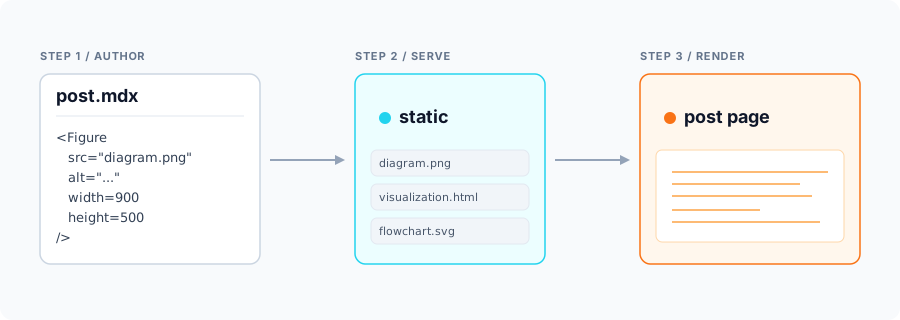
The full syntax:
<Figure
  src="/path/to/diagram.png"
  alt="Per-layer spectral fingerprints across DPO adapters"
  width={900}
  height={500}
  caption="Each row is one adapter; columns are layers."
/>
src, alt, width, and height are required (so layout doesn't jump while the
image loads). caption and priority are optional. Plain markdown image syntax
still works for quick, uncaptioned cases — it just renders a basic img tag.
HTML snippets with Embed
Embed drops an iframe into the post pointing at any standalone HTML page. Handy for interactive visualizations that already exist as self-contained pages — no need to rewrite them as React components.
The full syntax:
<Embed
  src="/path/to/viz.html"
  title="LoRA basins interactive visualization"
  height={650}
  caption="Click a basin to see the loss landscape cross-section."
/>
src and title are required. Pick one of height (px or any CSS height value) or
aspect (e.g. "16/9") to size the iframe — HTML pages don't auto-size themselves
inside an iframe. caption and sandbox are optional. By default no sandbox is
applied, so the embedded page runs with full same-origin privileges.